Hi, thanks for stopping by. Today whilst trying to get started with my Linux learning I encountered a problem per usual.
Today on Take A Byte we’re discussing this ugly booger here:

The main thing NOBODY has time for when they need the internet and they need it now – idk say like when trying to access your course materials in my case…
The error usually occurs because the DNS cache fails to load…great. Also your connection is probs trash.
So how did I fix it?
1. CMD prompt (as admin)
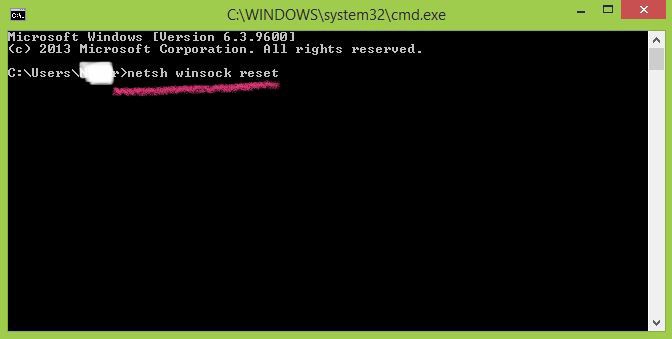
2. ‘netsh winsock reset’ & enter
3. close command prompt & restart
4. Boom. Happy searching.
Here’s a photo…of what that looks like…
That’s all for today! Will show how I fixed the EXE error pop up tomorrow as previously promised.
Thanks for taking a byte,
Jazzie.
 take a byte